Catalogue import
Option groups, dependencies, finishes, prices and 3D geometry come in server to server, behind a secret issued per customer. Nothing is retyped as shop variants.
pconnector puts pCon inside the system you already run. Sell configured furniture from your own webshop, or configure straight from the quotation in your ERP. An adapter you install, not an integration project you commission.

 What your manufacturer already publishes
OFML data, maintained by the manufacturer
The problem
In a webshop the options get rebuilt as shop variants. In an ERP the configuration gets retyped into the quotation. Both times the manufacturer already published exactly what was needed.
Measured on a real manufacturer catalogue, for one product, on the webshop side. In an ERP the same waste looks different: a salesperson configures in a desktop tool, types the result into a quote, and the link between the two is gone the moment they do.
What it does
OFML data, maintained by the manufacturer and sitting in pCon. pconnector reads it once and serves it to the channel you sell through, with a verified price on every line.
Option groups, dependencies, finishes, prices and 3D geometry come in server to server, behind a secret issued per customer. Nothing is retyped as shop variants.
pCon.ui on your own product page, or pCon.basket opened from the quotation line in your ERP. Authorised by domain whitelist, no credential in the browser.
The configurator signs the price, and your shop checks that signature against the EasternGraphics public key. Refusing a price that fails is a switch you turn on once your pCon.ui instance is confirmed to send the signature.
E-commerce, on pCon.ui
Import the manufacturer catalogue into the shop you already run, load the 3D configurator on your own domain, and let what the customer configured arrive as a real order line: article number, variant code, price, component SKUs, render and a reopen link.
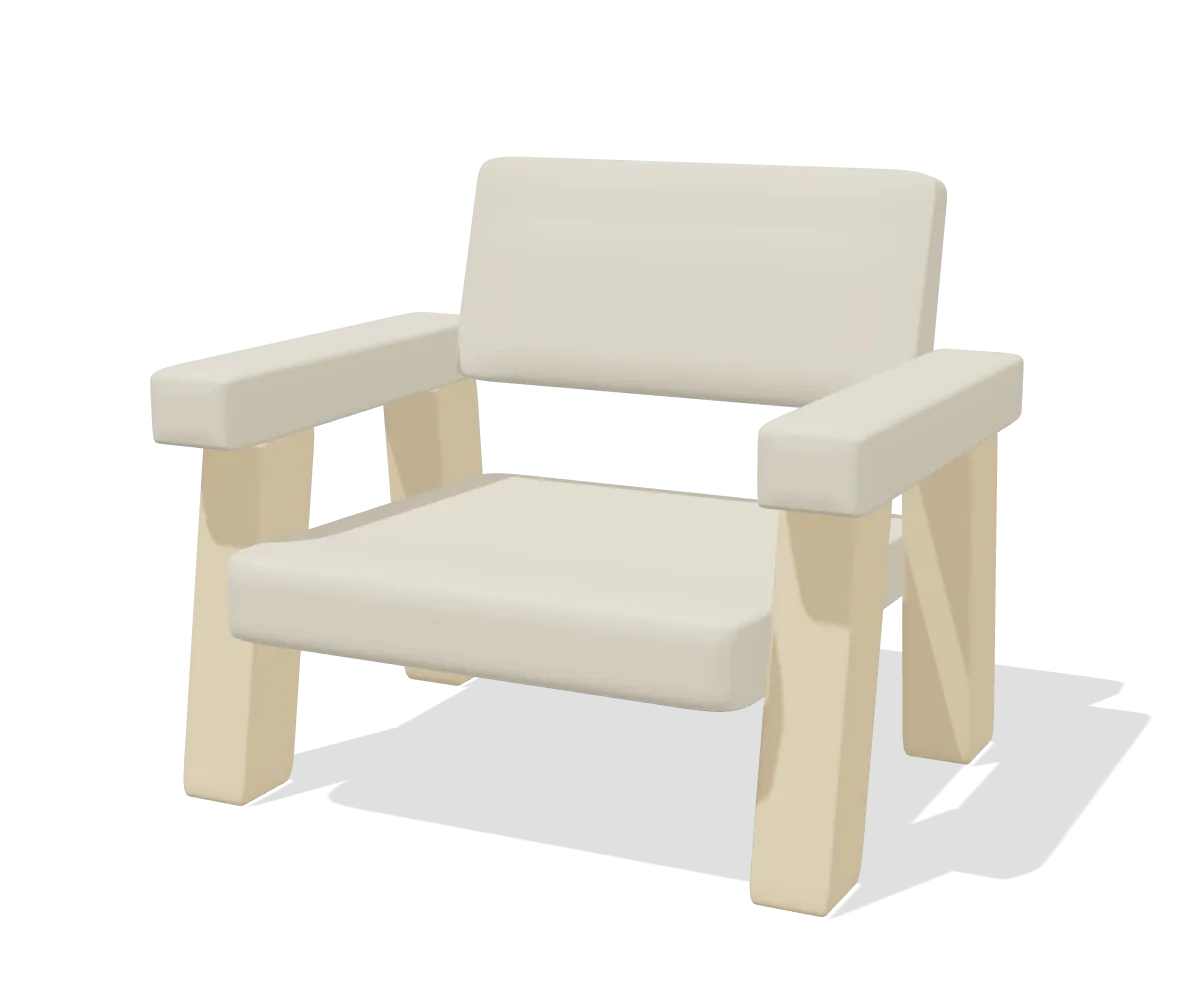
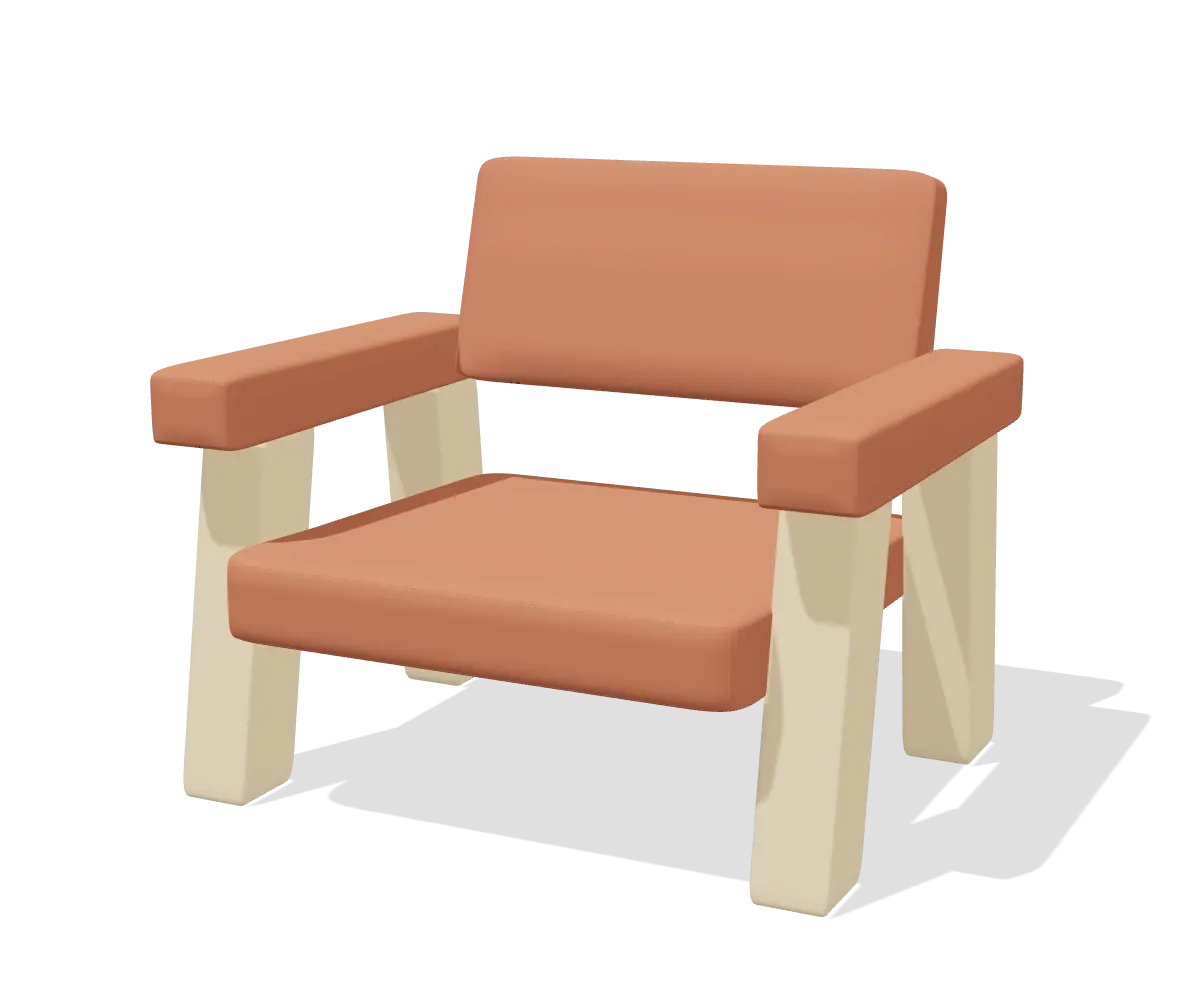
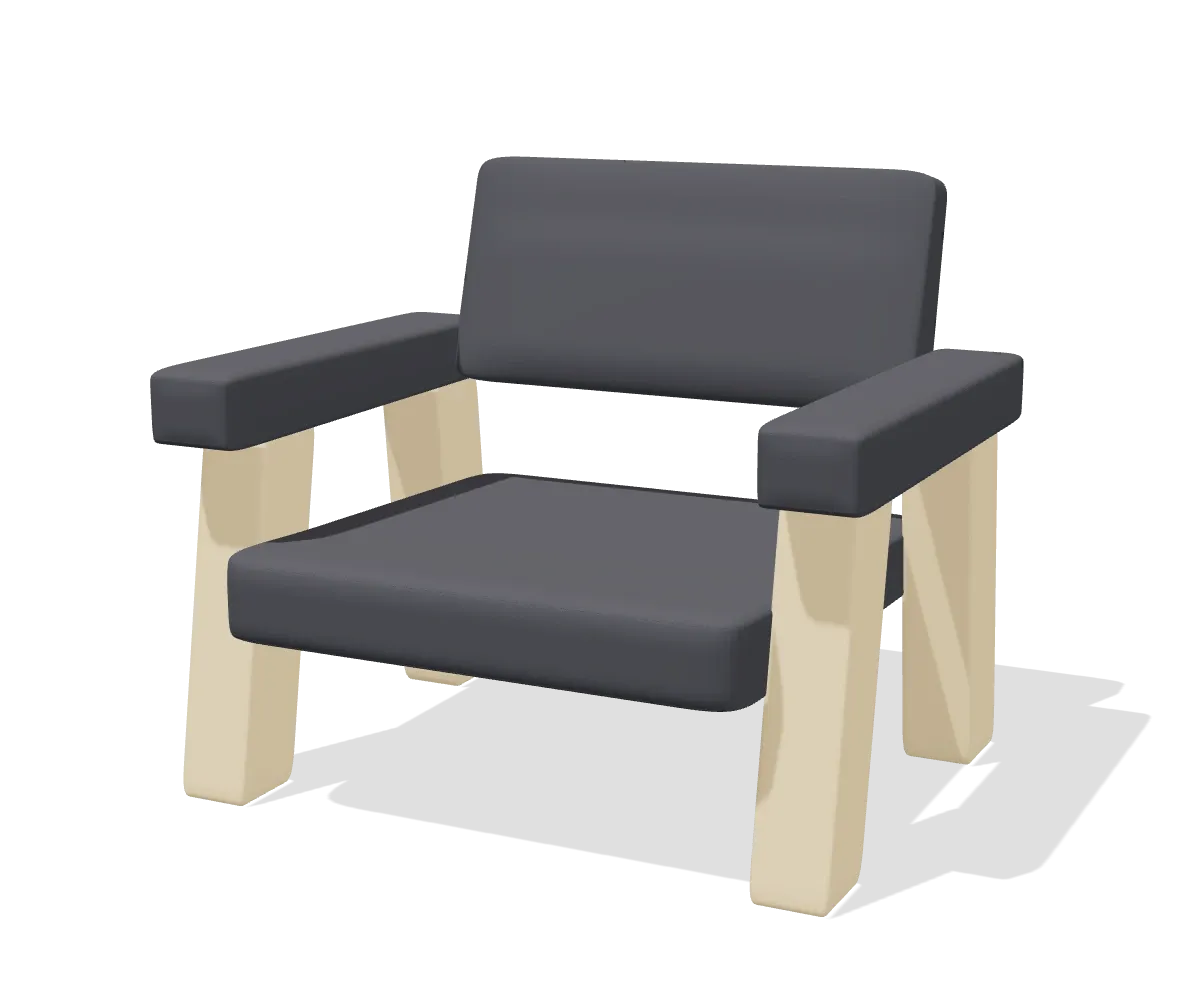
MANUFACTURER|C4|C4-210
Meta-properties
Miscellaneous
WooCommerce, Magento 2 and Shopware 6 ship today. Shopify and PrestaShop are on the list, and you can put your name down.
ERP, on pCon.basket
Your salespeople stop configuring in a separate desktop tool and retyping the result. The configurator opens from the quote, the items come back as quotation lines with their component articles, and the configuration stays attached, so a revision is not a rebuild and neither is the reorder a year later.
| Description | Qty | Unit | Total |
|---|---|---|---|
pConDesk 1800 x 800, oak, RAL 7016
| 8 | 1.284,00 | 10.272,00 |
| Delivery and assembly | 8 | 180,00 | 1.440,00 |
Odoo ships today. The bridge underneath is ERP-neutral, so Exact Online, AFAS, Microsoft Dynamics 365 and the rest are adapters rather than second products.
Getting set up
No rebuild of your shop or ERP. One step is not instant: EasternGraphics whitelists your configurator domain by hand, on their own schedule.
Your own pCon.ui licence for the webshop product, or a licensed pCon.basket gatekeeper plus a pCon.login client for the ERP product.
Manufacturers that publish OFML data share it with your account. pconnector imports it into the shop you already run, or links it to your ERP.
Configurations land in the cart or the quotation as real articles with a signed price. Reopen any configuration later; nothing is lost in a desktop tool.
Before you start
It differs per product, because the two sit on different pCon licences. You would rather hear this here than halfway through an implementation.
E-commerce
ERP
One step in the webshop product is not instant. EasternGraphics whitelists the domain your configurator runs on by hand: one live domain plus two development domains, no wildcards, every subdomain separately. You set everything else up yourself, and the portal reads the real whitelist status straight from EasternGraphics, so you can see where your request stands instead of asking us.
Security
The first question any competent Magento or WordPress agency asks is what this does to the attack surface. The answer is an architecture they can check in the code they install.
Behind a secret issued per customer and bound to one domain. It never reaches the browser.
Authorised by domain whitelist only. What comes back carries an HMAC token your shop verifies before anything touches the cart.
The two worlds never share a credential.
The configurator signs the price, and your shop checks that signature against the public key of EasternGraphics. Without that check a desk really does go into the cart for one euro: we measured it on our own demo. The check is on by default. The only reason to switch it off is a pCon.ui instance that carries no prices at all, because then there is no signature to verify.
That is the webshop channel. The ERP product authenticates in a different way altogether: no public product page, no domain whitelist and no anonymous session, but a licensed named-user seat and an interactive login. How the ERP product is secured.
The useful answer depends on your brands, because that decides whether the data exists at all. Six questions, and you get a straight yes or no back. It costs nothing and commits you to nothing.
Or write to info@bewisesolutions.com