1
Imports the catalogue into your shop
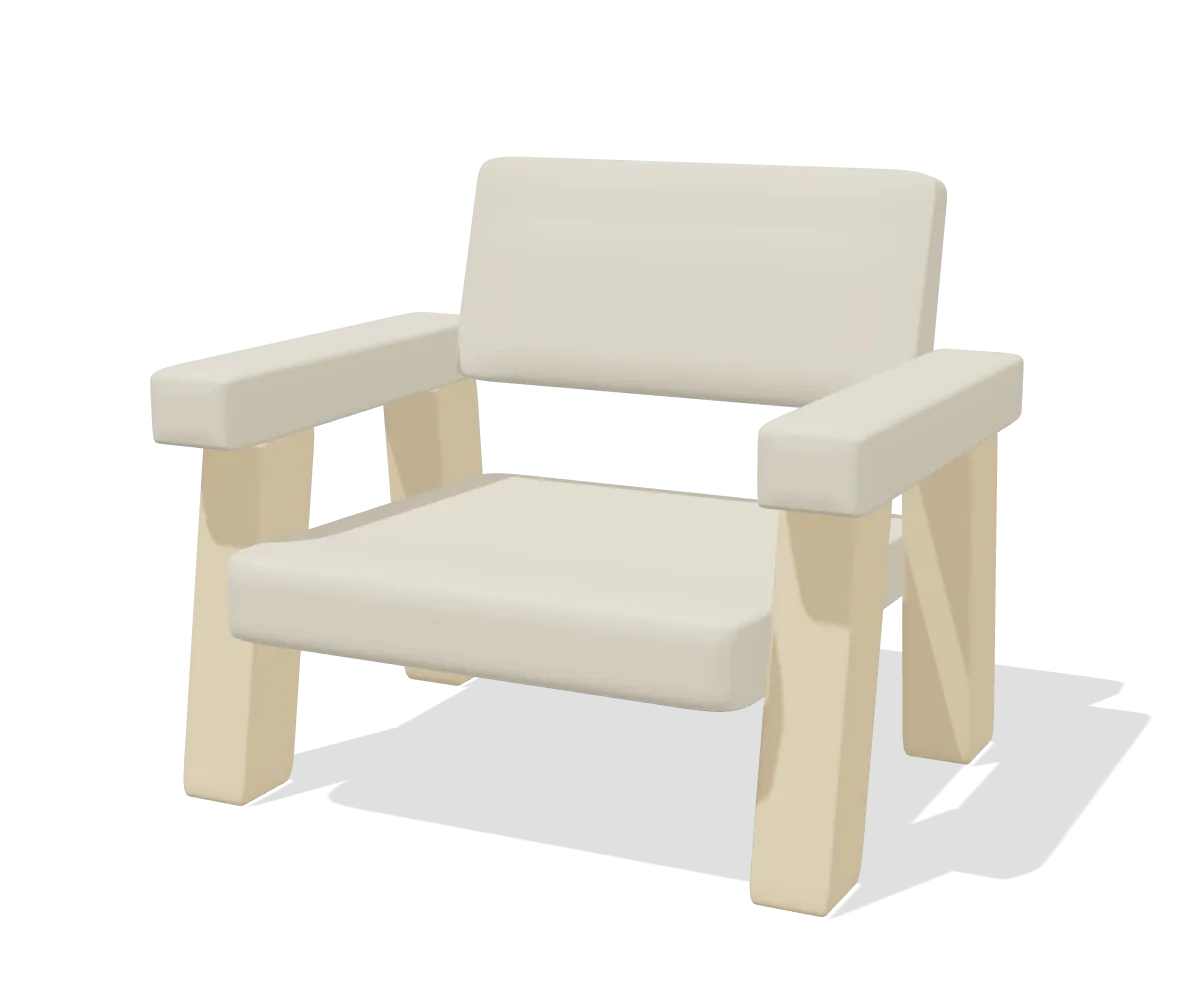
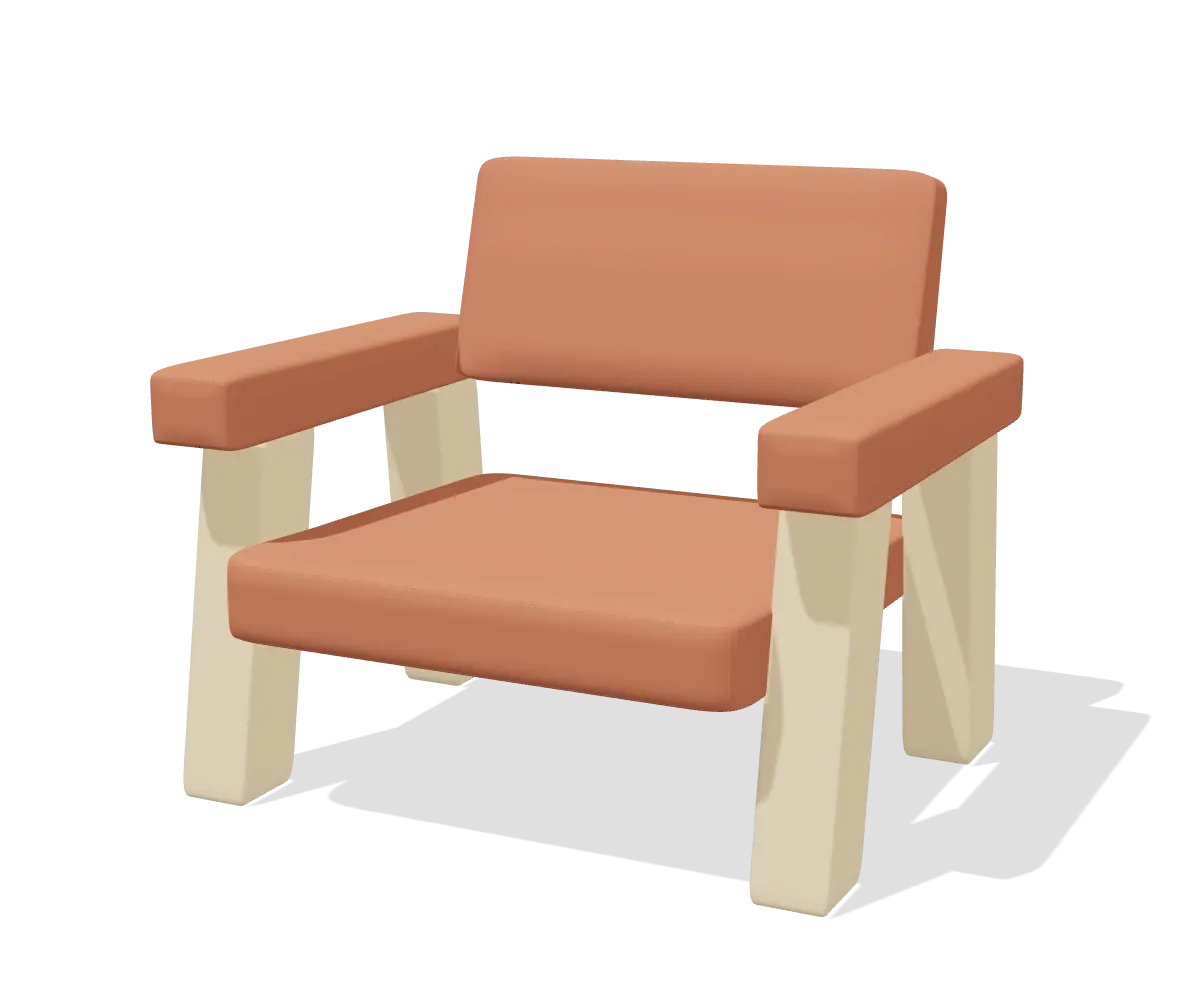
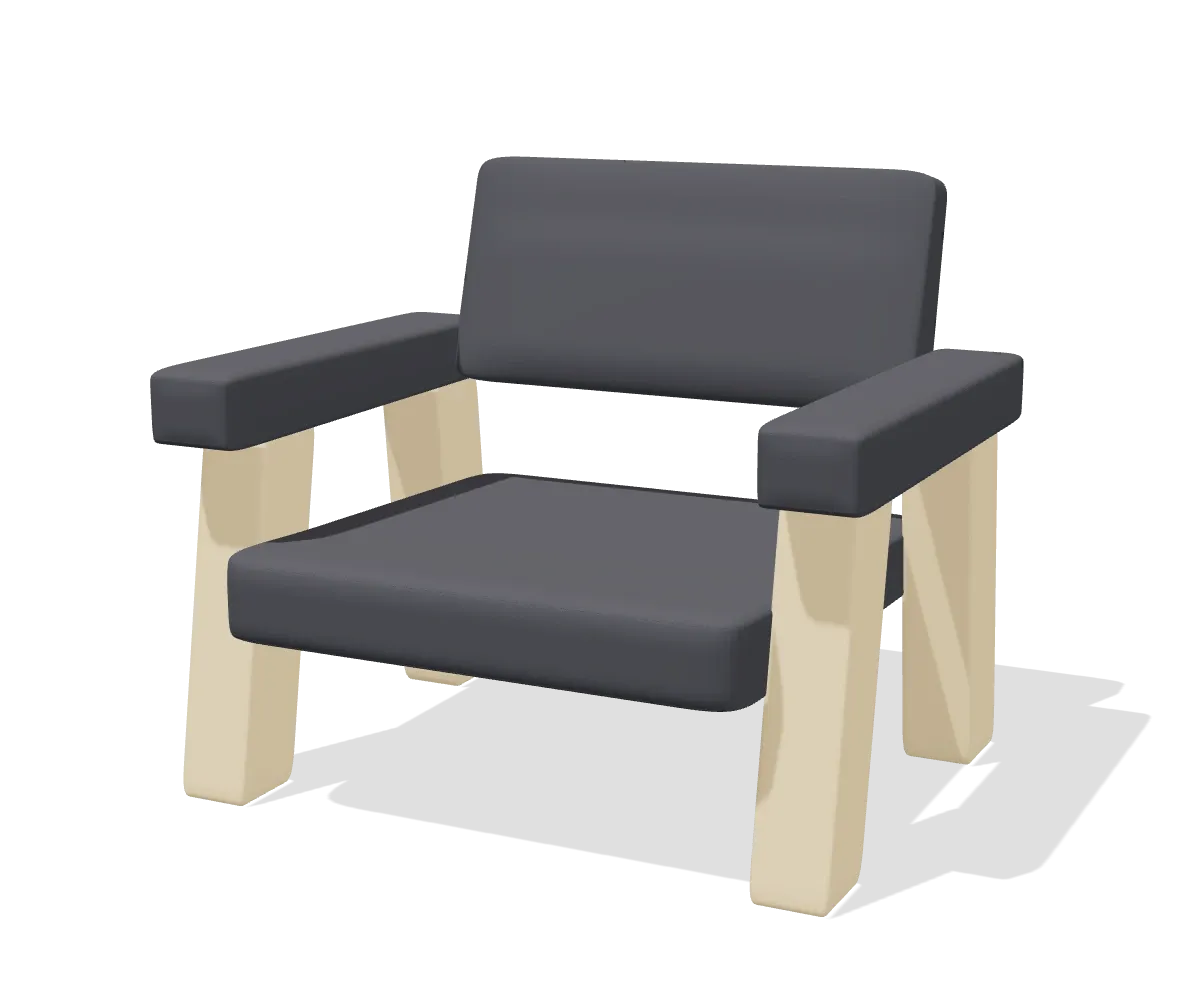
Browse the real manufacturer catalogue in your own admin, tick what you want and import it. Title, specification table, price, the render as product image, and brand and series as filterable attributes. Articles the manufacturer marks as not orderable are skipped, with a line in the error list saying why.
2
Puts the configurator on the product page
The pCon configurator loads in an iframe on your own product page, on your own domain, with your catalogue and your prices. No separate configurator site, no second checkout, and nothing for the visitor to install.
3
Turns the configuration into an order line
One cart line carries the configured price and the full specification, with the component SKUs listed underneath it for purchasing. Reconfiguring reopens the exact same configuration rather than starting over.