pconnector

Magento 2

A pCon product configurator inside Magento 2

A Magento 2 module that imports your manufacturer catalogue from pCon, loads the 3D configurator on your product page, and writes what the customer configured into the Magento order. It installs with Composer, it is built from Magento's own constructs, and it rewrites nothing in the core.

yourshop.com/seating/lounge-chair.html
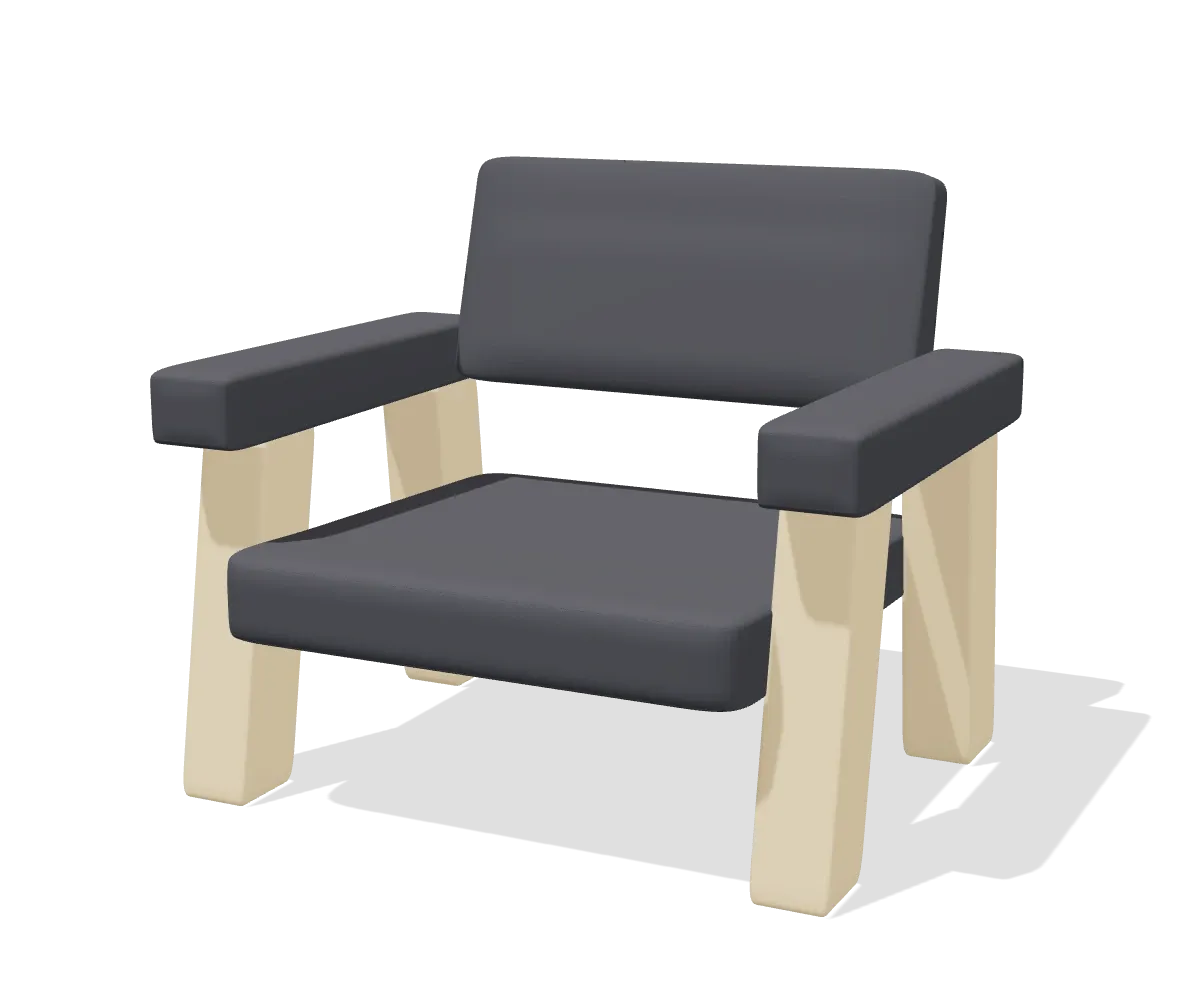
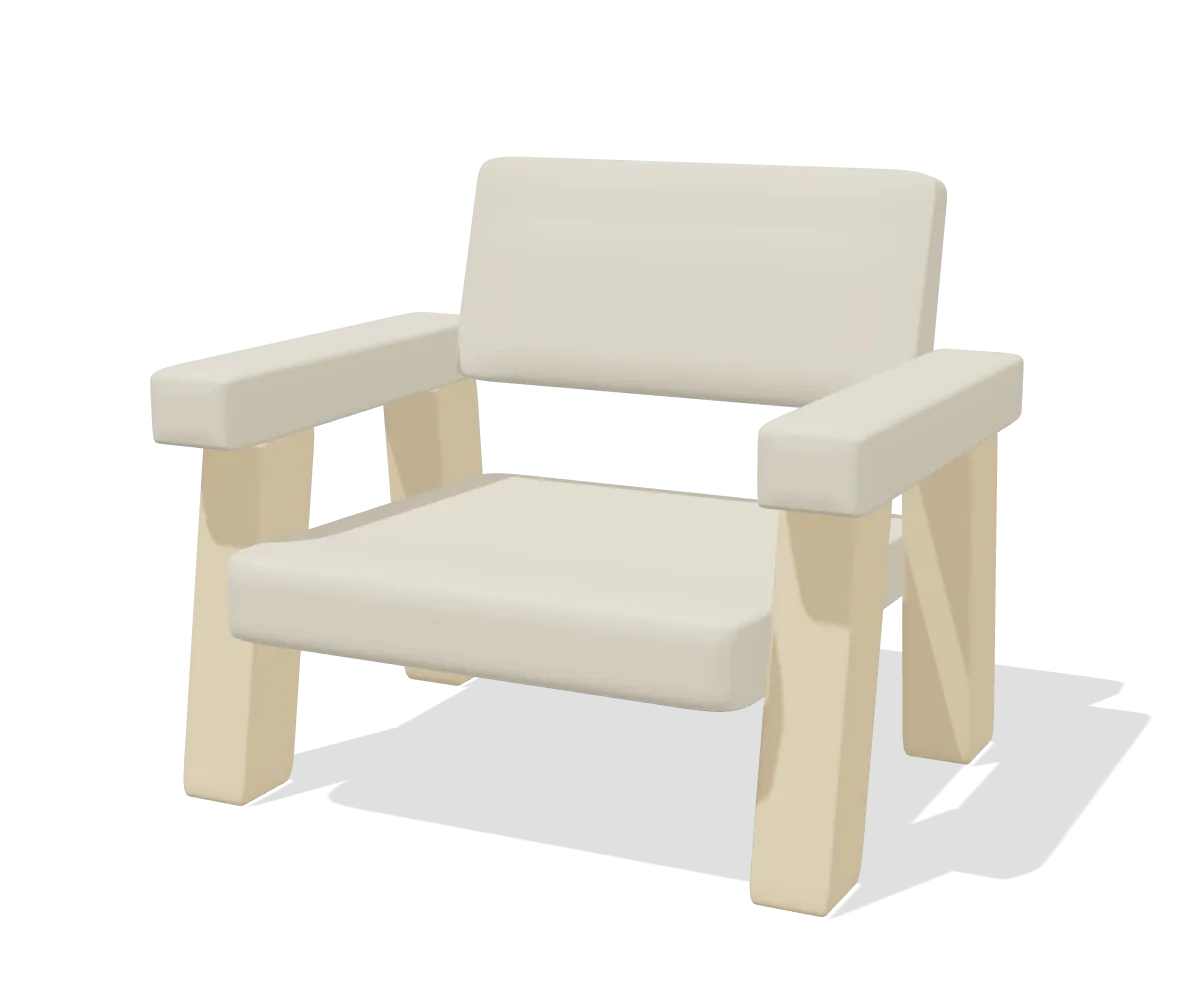
pCon configuratorA lounge chair with an ash frame, shown as a 3D model in the configurator

MANUFACTURERC4C4-210

Meta-properties

SeriesC4 Lounge
MaterialAsh
FrameSolid ash, natural

Miscellaneous

UpholsteryOat (A)Terracotta (B)Graphite (C)
Price€ 684.00€ 739.00€ 812.00
1Add to cart
What lands in the cart
Article
C4-210-OATC4-210-TERC4-210-GRA
Variant code
UPH=OAT;GR=A;FR=9016UPH=TER;GR=B;FR=9016UPH=GRA;GR=C;FR=9016
Components
3 SKUs
Price
€ 684.00€ 739.00€ 812.00

What the module adds to Magento

Three things, all of them inside the admin and the storefront you already run.

A catalogue browser in the admin

Catalog, pCon Catalog Import: walk the real manufacturer tree, tick the articles you want and create them as products in bulk. Title, specification table, price, the render as product image, and brand and series as attributes you can filter on.

The configurator on the product page

A block on the product view loads the configurator in an iframe on your own domain, next to a Configure button beside Add to Cart. Nothing is baked into the product: the URL is composed at render time, so changing instance is an admin edit and not a data migration.

A real order line

Add to cart posts back over a signed webhook. The module verifies the token, sets the configured price on the quote item, and carries the chosen properties through the cart and the checkout onto the order.

How it installs

Four commands and one settings screen. If your agency has installed a paid Magento extension before, none of this will surprise them.

  1. Add the repository and the key

    The module is not on Packagist, so it ships from a private Composer repository of our own. You add that repository to your project and the key you created in the portal to your auth.json, exactly as you would for any commercial extension.

  2. composer require, then setup:upgrade

    The module registers itself, adds its product attributes through data patches and generates its own shared secret on install, stored encrypted. Nothing is written to the database that you have to prepare by hand.

  3. Point it at your account

    Stores, Configuration holds every setting, behind its own ACL resource so you can hand catalogue work to someone without handing over the key. The connection registers itself the first time it calls.

  4. Import, then sell

    Browse the catalogue, select articles, import. The products that come out carry the article reference, so the product page composes the right configurator on its own from that point on.

What it asks of your environment: Magento 2.4 or newer, on PHP 8.3, 8.4 or 8.5. That is what the package declares for itself, so Composer checks it before anything is installed rather than leaving you to find out afterwards. The one thing Composer cannot check for you is max_input_vars: raise it to 5000, or a configuration of twenty articles or more will not reach the cart in one piece.

What ends up in the order

This is the part that decides whether a configurator is a toy or a sales tool. Per configured line, Magento receives:

  • The configuration title and the manufacturer article number, both following the configuration rather than the catalogue product it started from
  • The configured price, set as a custom price on the quote item so it survives a cart reload and every recollect of the totals
  • The chosen properties as additional options, which Magento renders itself in the cart, the minicart and the checkout, and which are copied onto the order item when the order is placed
  • The component articles underneath the line, each with their own number and price, so purchasing can order against them
  • The render, imported into your own media directory and used as the thumbnail on the cart line
  • A link that reopens the exact configuration, valid for 24 hours

Architecture

Built with Magento's own constructs

Worth being precise about, because it decides what an upgrade costs you later. There are no core rewrites and no patched templates.

In the catalogue

  • The article reference and the manual URL override are product attributes, added through data patches
  • Every pCon feature becomes a filterable select attribute, so layered navigation works on the configuration options themselves
  • Brand and series become categories, because Magento has no brand taxonomy to put them in
  • The import writes in default scope, so the data shows up in the admin form and applies to every store view at once

In the cart and the order

  • Observers on the standard quote and order events, not a rewritten cart
  • A di.xml plugin for the cart thumbnail, nothing more invasive
  • The webhook is a frontend controller with an HMAC token it verifies before anything touches the quote
  • Language and tax come from the connection profile, with a store view override for the shops that need one

The import runs server to server behind a key that never reaches the browser, the configurator is authorised by a domain whitelist, and add to cart carries a token your own shop verifies. Those are three separate channels that never share a credential. How that is put together.

Updates come through Composer

A Magento extension that cannot be updated through Composer is a problem for the next deploy, not a convenience question. So this one is a normal private repository.

New versions show up in composer outdated and install withcomposer update. Composer checks the checksum it got from the repository before it installs anything, so a package that was tampered with in transit does not get unpacked.

The download link deliberately does not expire, which is the opposite of how the WooCommerce channel works. Composer sends its own credentials and writes the URL into your composer.lock, so a link that died after a day would break the deploy you run next month.

A published release cannot change afterwards. Platform, version, package, checksum and publication date are fixed, deleting is refused and so is unpublishing. Correcting something means a new version number, which is the only way your lock file can stay meaningful.

No licence key, no countdown, no kill switch. There is nothing in the module that can switch your shop off. If a subscription lapses it simply stops receiving new versions, and what is installed keeps doing its job. We would rather earn the renewal than hold the shop hostage for it.

What it costs

Magento connection

€349per month, per shop

Or €3,490 per year, which is ten months. Every further shop under the same account is €199 per month.

  • Catalogue import and the configurator
  • Module updates and support
  • Staging environments are free and labelled as such

Onboarding, one off

€2500once

Installation on your environment, guiding your request to EasternGraphics, setting up the attribute mapping and checking the first import against a real catalogue.

All amounts exclude VAT and exclude the pCon licence you hold with EasternGraphics. Magento is priced above WooCommerce because the environments are bigger: more store views, more deploy pipeline and more that has to keep working. There is no trial period: this is a service with an implementation, not an app you switch on.

Before this can work

You need a pCon.ui instance of your own from EasternGraphics, and they need to whitelist your shop domain by hand. That is one live domain plus two development domains, no wildcards, and every subdomain listed separately. It is the one step in the whole onboarding that we cannot do for you, so we say it out loud instead of discovering it together in week three. The portal reads the real whitelist status from EasternGraphics, so you can see where your request stands.

Your manufacturers also need to publish OFML data and to have shared their catalogue with your account. That is the question that decides everything else, and it is the one we would rather answer before you buy anything.

Do you already work with pCon?

Tell us that and the Magento version you run, and you get a straight answer back on what we can connect and what it would take. It costs nothing and commits you to nothing.

Or write to info@bewisesolutions.com